01
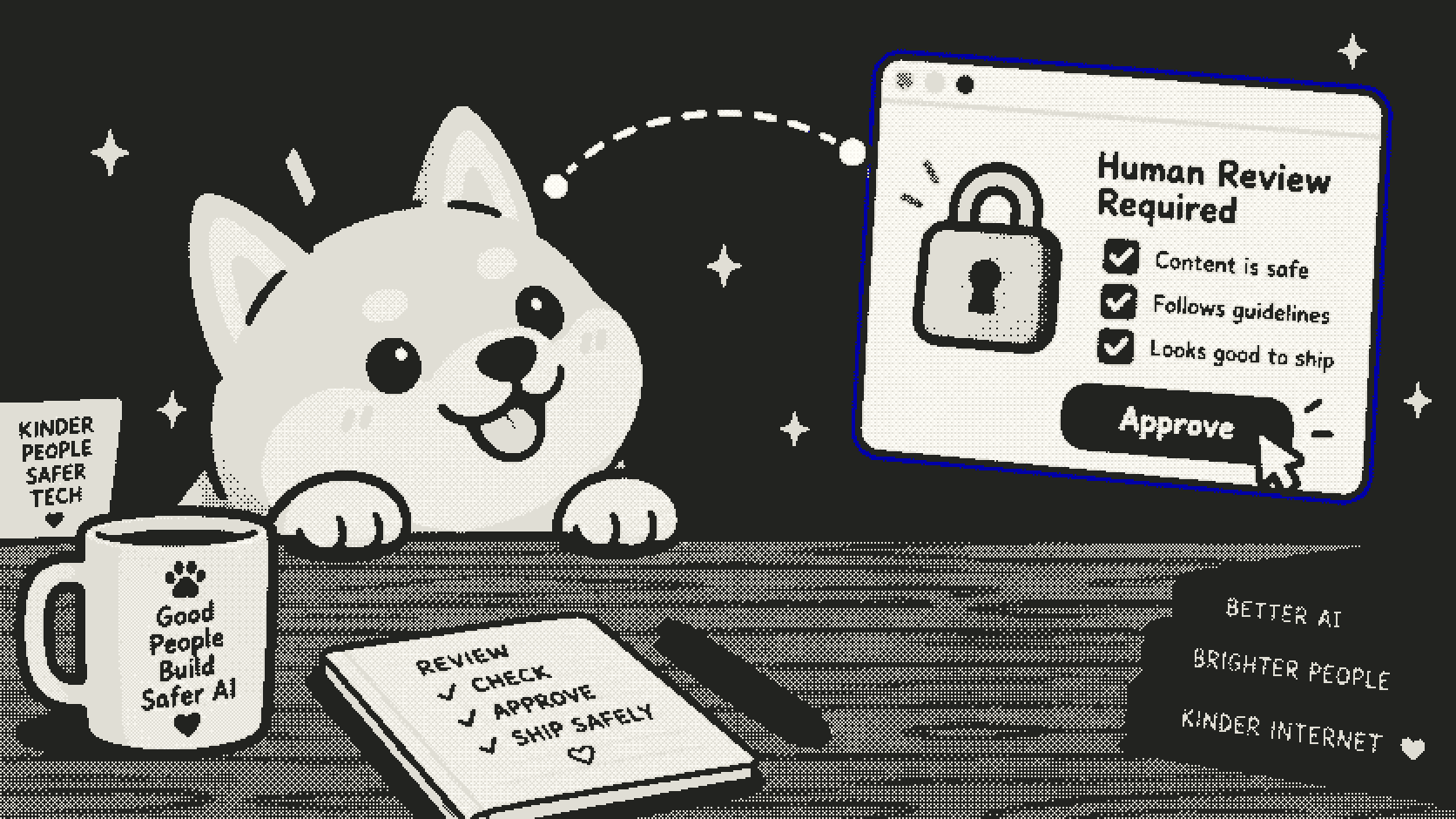
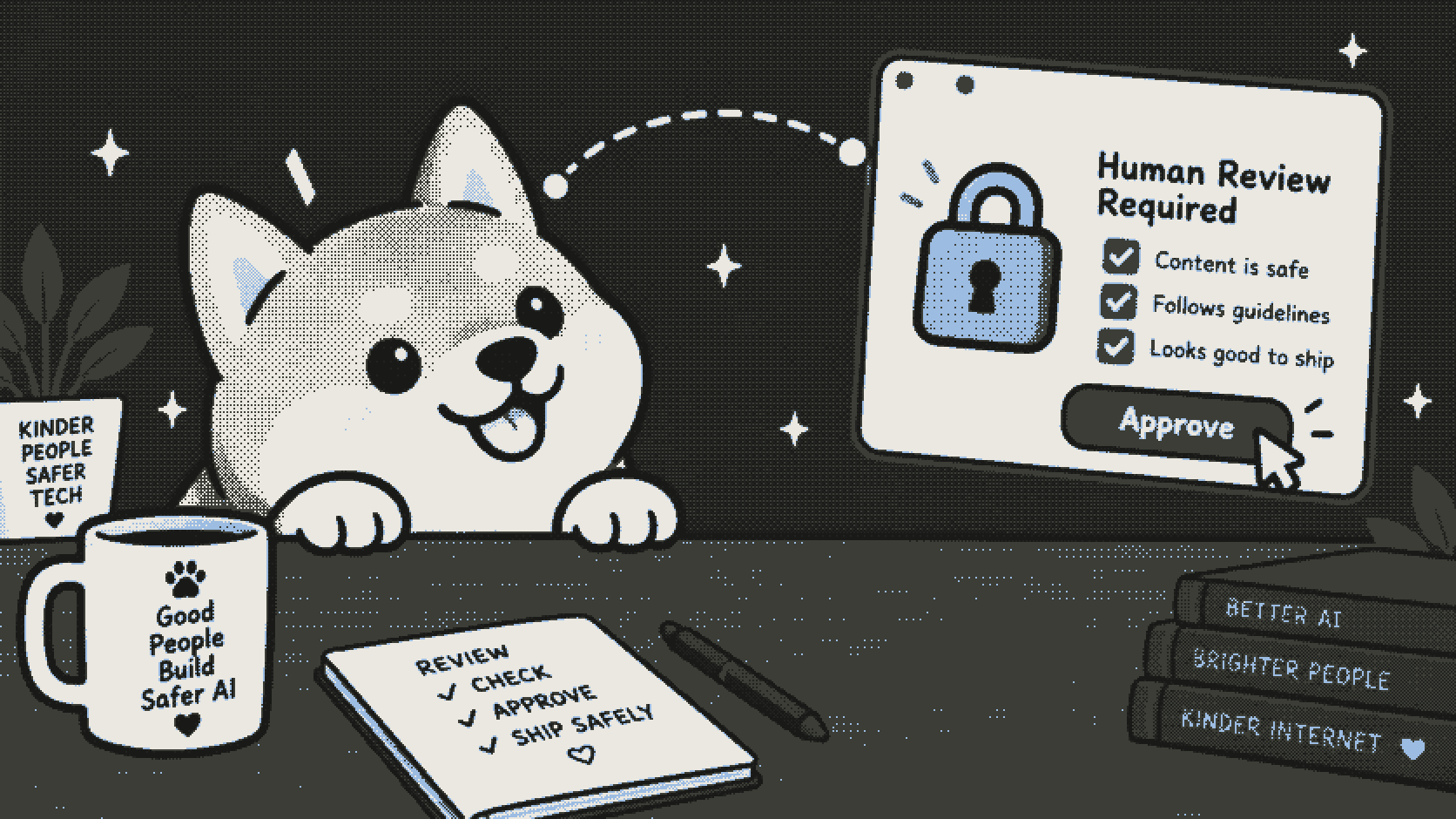
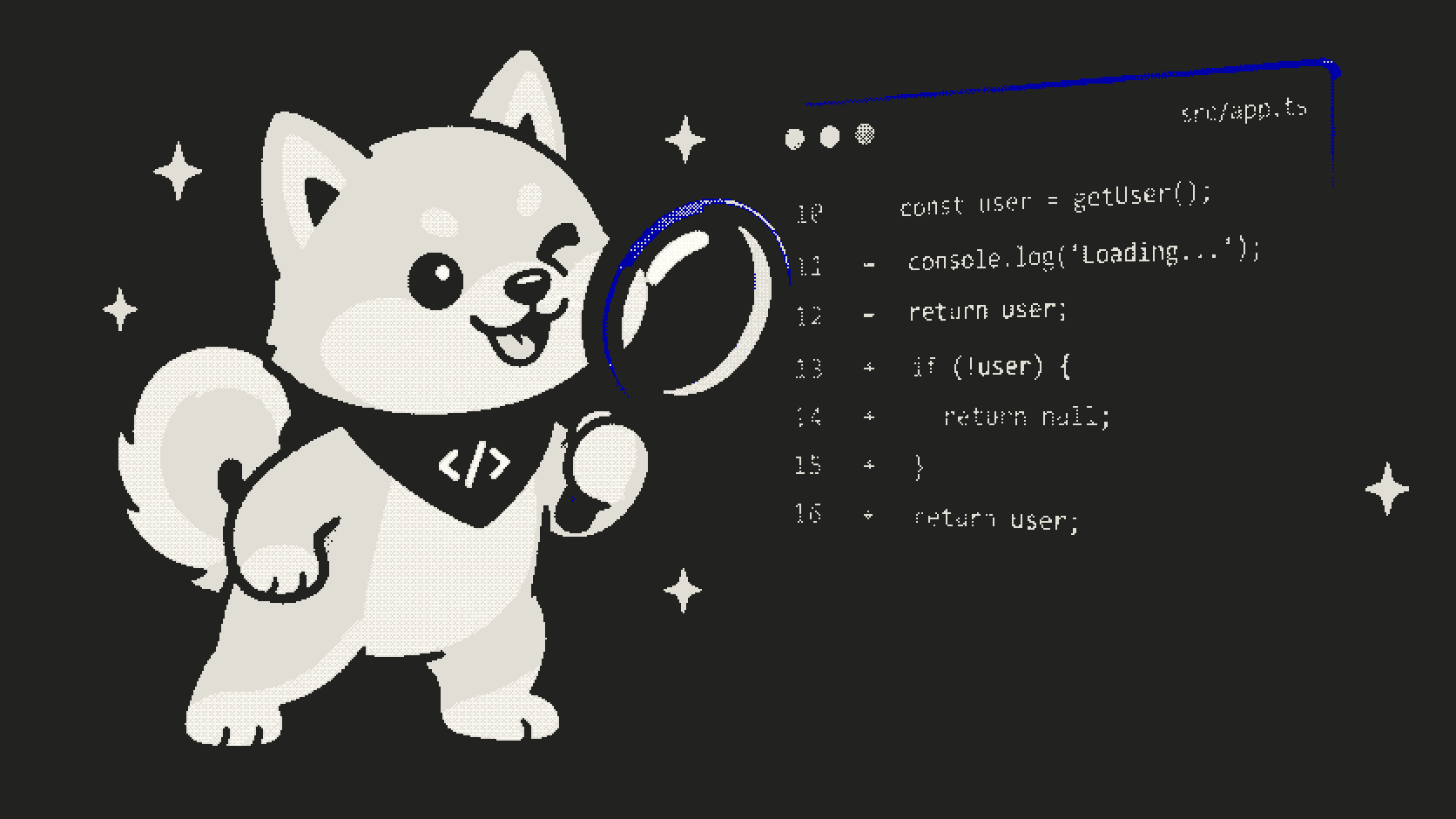
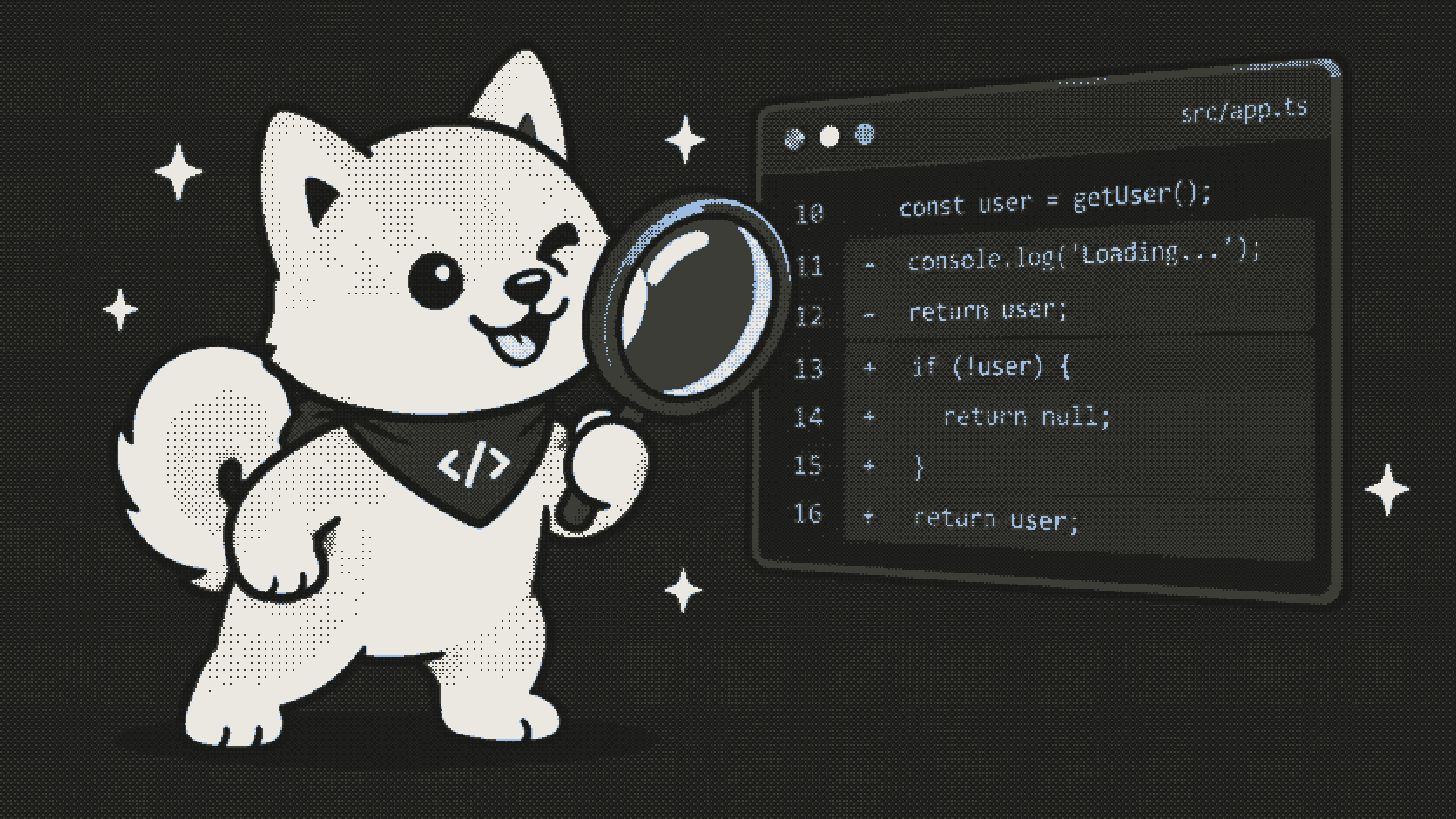
Approval before execution
Review the exact repository, branch, task, and requested output. By default, no sandbox starts until you approve.
OPEN-SOURCE DEVIN CLOUD ALTERNATIVE
Give Shiba a repository and a task. When deployed, review the exact plan before a sandbox starts by default, then follow the work in your Cloudflare account.
No hosted black box. Every task is approval-gated before a sandbox starts.
TOOLS & MODEL PROVIDERS
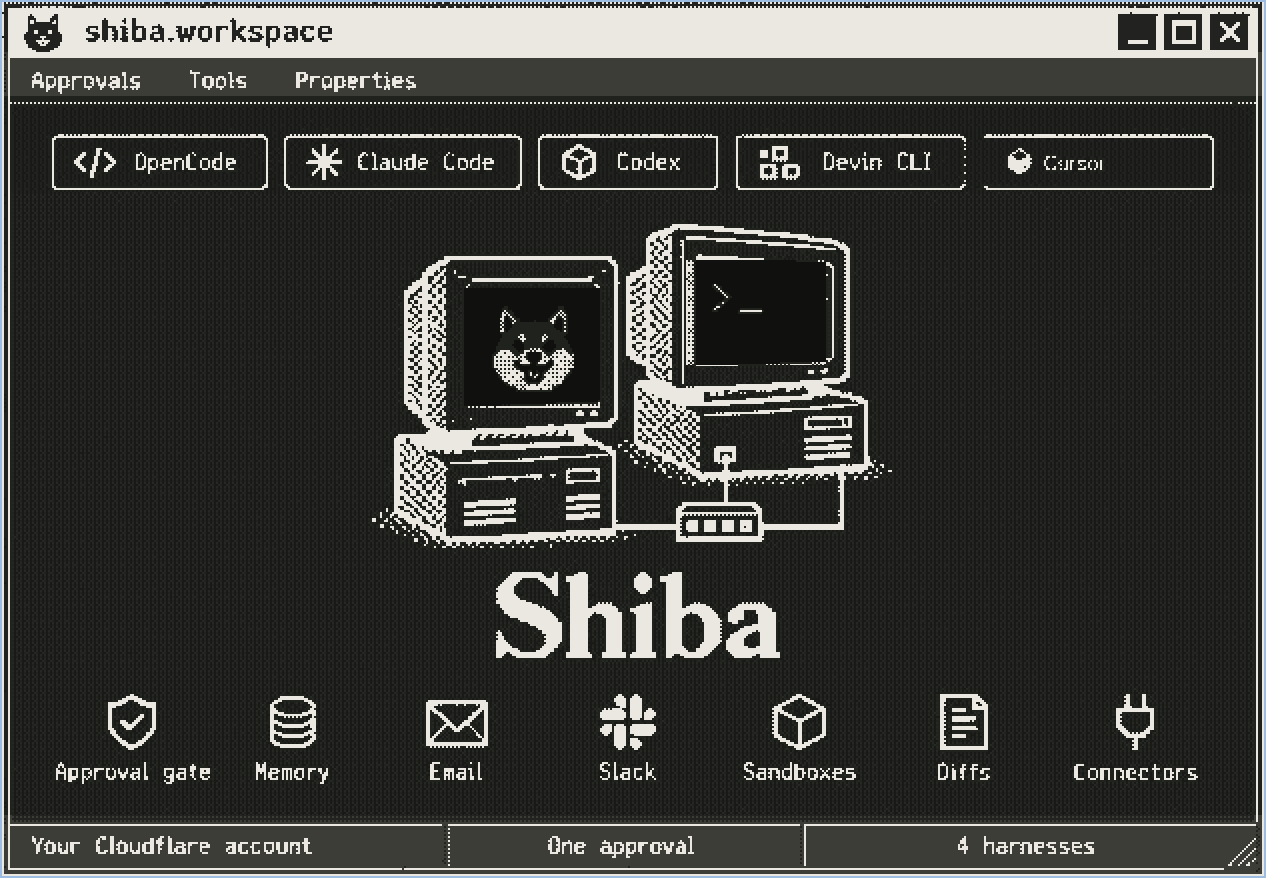
Five harnesses are supported — pick OpenCode, Claude Code, Codex, Devin CLI, or Grok, and run them with your own provider credentials.
 OpenCodeINTEGRATED
 Claude CodeINTEGRATED
 CodexINTEGRATED
 Devin CLIINTEGRATED
 GrokINTEGRATED
Product names and logos belong to their respective owners. No affiliation is implied. See supported configuration →
TRIGGER FROM ANYWHERE
SLACK · MOBILE WEB · TELEGRAM · DISCORD
Whether you are at your desk, on Slack, or on your phone, trigger @shiba to delegate a task. Review the exact plan, approve with one tap, and follow sandbox progress end-to-end.
 ● LIVE CHATOPS
Trigger in any channel or thread. Approvals arrive as interactive Block Kit cards with diff previews.
 ● MOBILE WEB
Mobile-optimized dashboard. Review proposed tool inputs, follow logs, and inspect diffs from anywhere.
 ● LIVE CHATOPS
Direct bot interaction with cryptographic webhook dispatch and inline button approval gates end-to-end.
 ● LIVE CHATOPS
Slash commands and bot mentions for developer servers, with threaded progress updates and sandbox review.
ONE DEPLOYMENT · ONE CONTROL PLANE
An AI coding tool is worth exactly as much as the boundary around it. Shiba runs in your Cloudflare account, requires human approval before sandbox execution by default, and shows resulting changes instead of asking you to take completion on faith.
Why we built itSHIBA VS A MANAGED CLOUD AGENT
SIX PRACTICAL CAPABILITIES
Review the exact repository, branch, task, and requested output. By default, no sandbox starts until you approve.
Each approved task runs in its own Cloudflare Sandbox container, separate from your Worker and other runs.
Follow agent progress, changed files, and a unified diff in the dashboard before deciding what to do next.
Self-host the Worker, choose your model route, and keep provider credentials outside the container.
Ask Shiba to open a branch and pull request when you configure a GitHub token; diff-only tasks need no token.
Start and review tasks from the dashboard, Slack, Telegram, Discord, or the mobile web app. A native iPhone app is on the roadmap.
THE APPROVAL GATE IS THE WORKFLOW
Paste an HTTPS GitHub repository URL and describe the coding task in the dashboard.
Inspect the proposed tool input. By default, Shiba waits for your approval before starting a sandbox.
Follow progress and review changed files and the diff. Publishing a pull request is optional.
BUILD WITH YOUR OWN AGENT
Open source (AGPL-3.0), self-hosted, and yours to fork. It takes one command to run it against a repo you own.